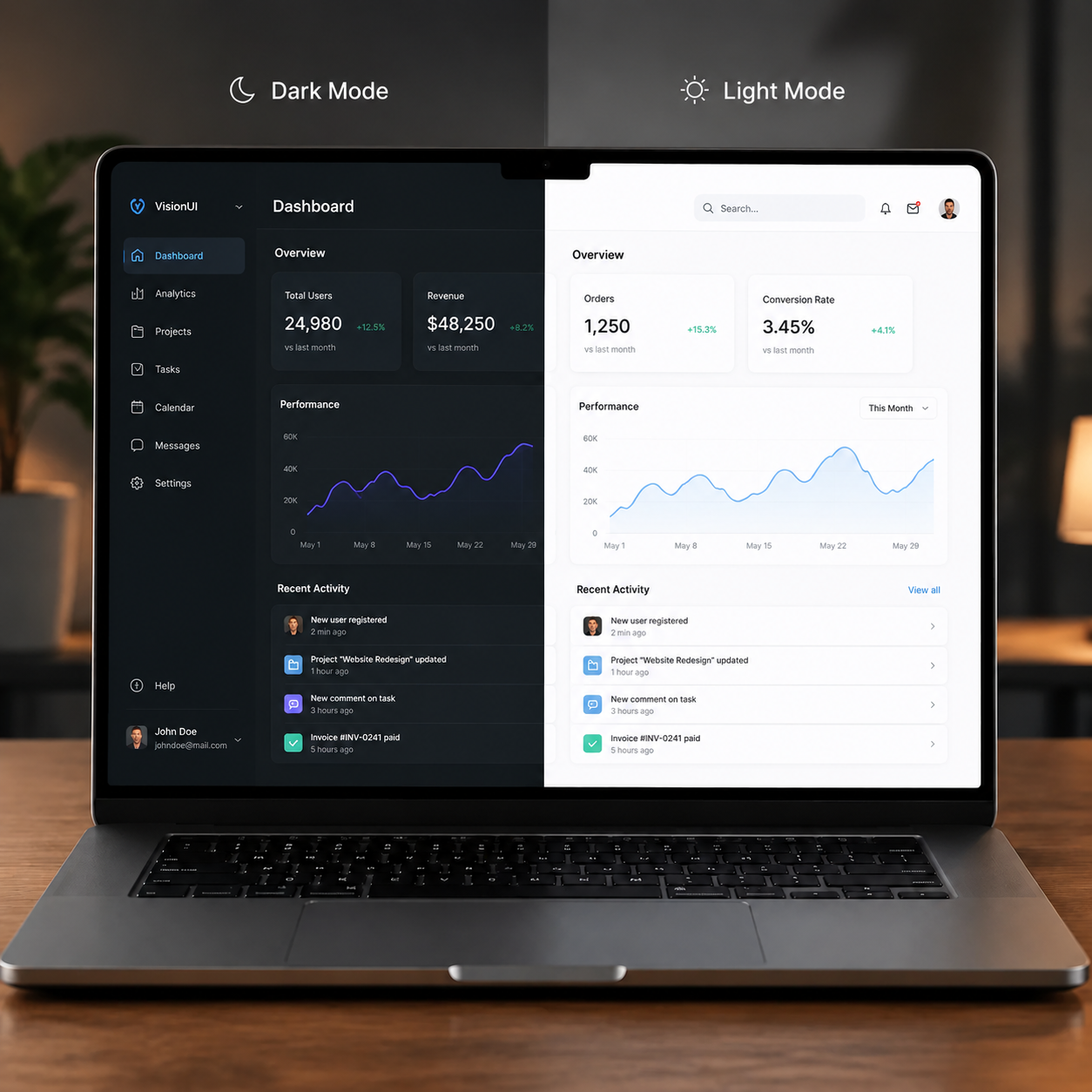
I've been arguing with colleagues for a long time about which theme is better — dark or light. I was convinced that dark mode was the only right choice. I thought it made my eyes less tired. Until one day I tried working in light mode in bright sunlight.
It turned out that everything is not so clear-cut. Dark mode is good in some conditions, light mode in others. And the debate about "what's better" has been going on for years. Let's look at it from a scientific perspective.
How It All Started: From Terminals to Modern Interfaces
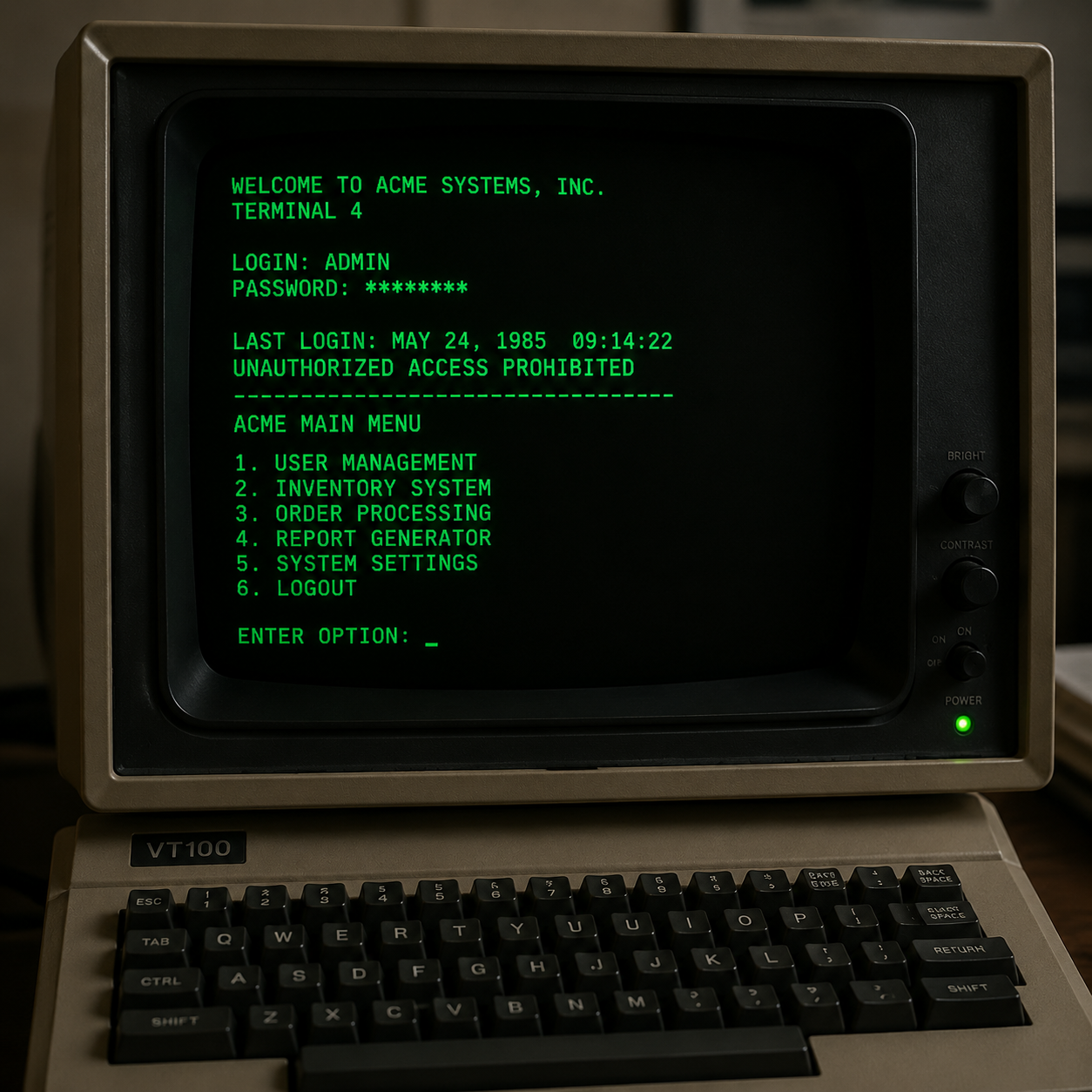
Back in the days of DOS and the first Macs, we had no choice. Text was white on a black background. That was the default dark theme.
Then graphical interfaces appeared — and everyone switched to light mode. White background, black text. Like paper. It felt natural.
And now dark mode is making a comeback. Why? Let's find out.
Benefits of Dark Mode for Eyes and Productivity
-
Less screen glare
Dark background reflects less light from the screen. In a dark room, this is especially noticeable — eyes don't strain from bright glow.
-
Battery saving on OLED screens
On OLED screens, black pixels are simply turned off. This saves battery and extends screen life.
-
Less blue light
Dark mode reduces the amount of blue light that disrupts melatonin production and interferes with sleep.
-
Modern and professional look
Dark mode is perceived by many as more modern and professional. Especially for developers.
Drawbacks of Dark Mode: When It Hurts Your Eyes
-
Harder to read in bright light
In sunlight, a dark screen turns into a mirror. Reading becomes practically impossible.
-
Fatigue during long reading
Research shows that for reading long texts, light mode is more comfortable. Eyes get less tired.
-
Problems with astigmatism
For people with astigmatism, dark mode can cause more strain — text appears to blur on a dark background.
Benefits of Light Mode for Reading and Work
-
Better readability
High contrast (black text on white background) is a classic. Eyes focus easily.
-
Comfortable in bright light
Light mode works perfectly in offices with good lighting or outdoors.
-
Natural feel
We're used to reading black text on white paper. Light mode feels more natural.
Drawbacks of Light Mode: When It Causes Fatigue
-
More blue light
Light mode emits more blue light that disrupts sleep.
-
More glare
White background reflects more light, which can cause discomfort in a dark room.
-
Battery drains faster
On OLED screens, light mode consumes more power.
Scientific Research: What Scientists Say About Dark and Light Modes
I found several interesting studies on this topic:
| Study | Result |
|---|---|
| Ohio University (2021) | Light mode is slightly faster for reading long texts |
| Google Research (2020) | Subjective preference depends on room lighting |
| Stanford (2019) | Dark mode reduces eye fatigue in a dark room |
| American Academy of Ophthalmology | No clear answer — choose what's more comfortable |
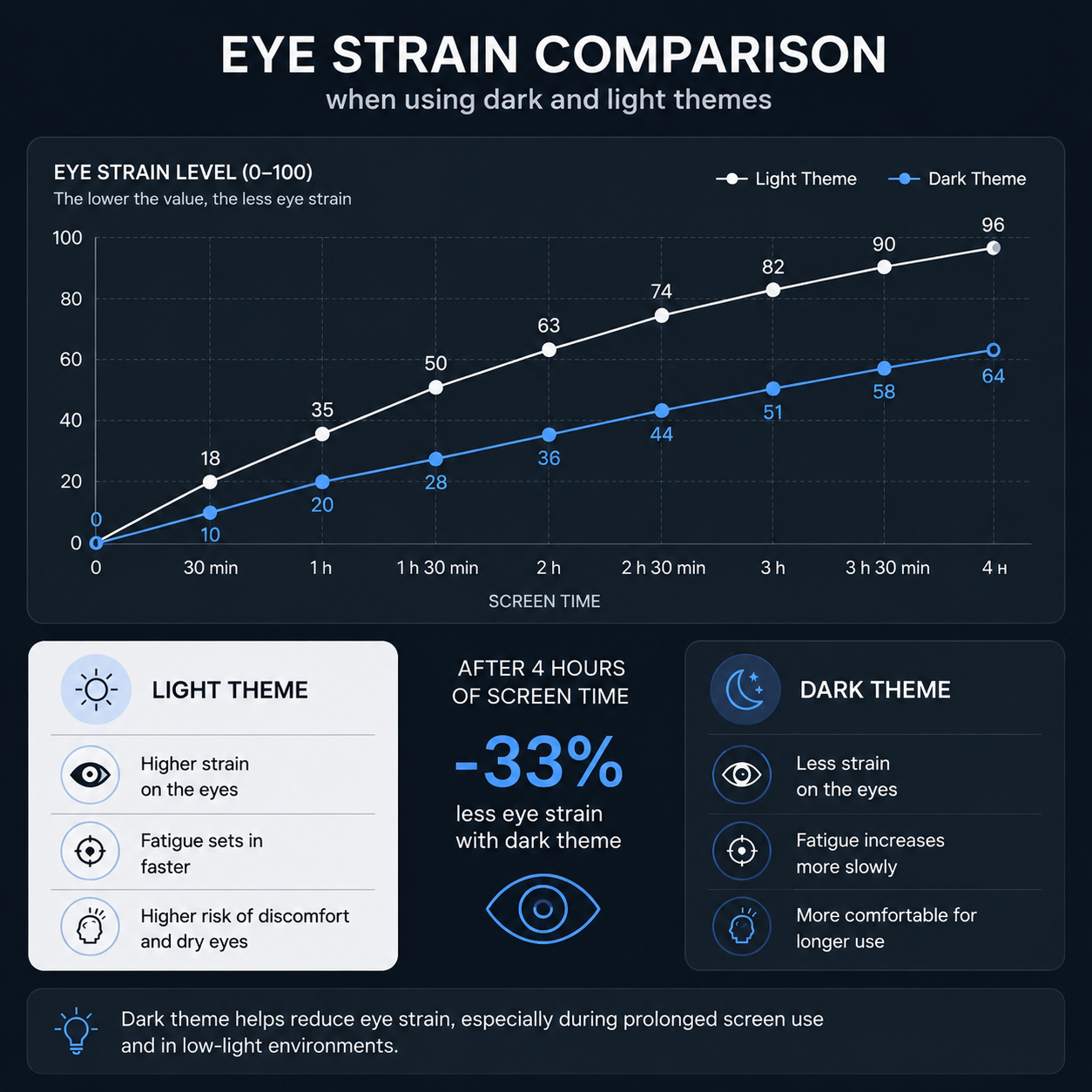
The main takeaway: there is no single right answer. It all depends on lighting, your eyes, and personal preference.
My Recommendations — When to Use Which Theme
Use dark mode if:
- You work in a dark room
- You have an OLED screen (battery saving)
- You work in the evening or at night
- You're a developer working with code
Use light mode if:
- You work in bright lighting
- You read long texts
- You have astigmatism
- You work during the day in an office
The Best Solution — Auto-Switch by Time of Day
Many devices and websites have a feature to automatically switch themes based on the time of day. Use it!
-
On iOS:
Settings → Display & Brightness → Auto
-
On Android:
Settings → Display → Dark theme → Schedule
-
On Windows:
Settings → Personalization → Colors → App mode
-
On macOS:
System Settings → Appearance → Auto
My Personal Experience: How I Choose a Theme
After all the experiments, I came to this conclusion:
-
During the day:
I use light mode. Eyes get less tired, text is easier to read.
-
In the evening and at night:
I switch to dark mode. Less blue light, better sleep.
-
For coding:
Always dark mode. It's been that way historically, and it's more comfortable.
Frequently Asked Questions About Dark and Light Modes
Which theme is better for the eyes — dark or light?
It depends on the conditions. In bright light — light mode. In the dark — dark mode. There's no single right answer.
Does dark mode reduce eye strain?
In the dark — yes. In bright light — no, it can actually increase strain.
Why do developers love dark mode?
Less eye strain during long work, less glare, subjectively "cooler" look.
Does dark mode affect productivity?
Minimally. Light mode is slightly faster for reading long texts. For coding, the difference is minimal.
Does dark mode save battery?
On OLED screens — yes. On LCD — almost no difference.
- No universal answer — choice depends on lighting and your eyes.
- In the dark, dark mode is better — less blue light and strain.
- In bright light, light mode is better — higher contrast and readability.
- The best solution is auto-switch based on time of day.
- On OLED screens, dark mode saves up to 30% battery.
In Conclusion: Dark or Light — What to Choose?
The debate about which theme is better — dark or light — has no clear answer. It all depends on you, your eyes, the lighting, and the situation.
My advice: use auto-switch and choose what's comfortable for you. Don't listen to those who say "only dark" or "only light." Your eyes know best what they need.