TXT to PDF Converter
Convert plain text files to PDF in seconds — free and private
PDF settings
Preview
Document information
Quick samples
What is a TXT to PDF Converter?
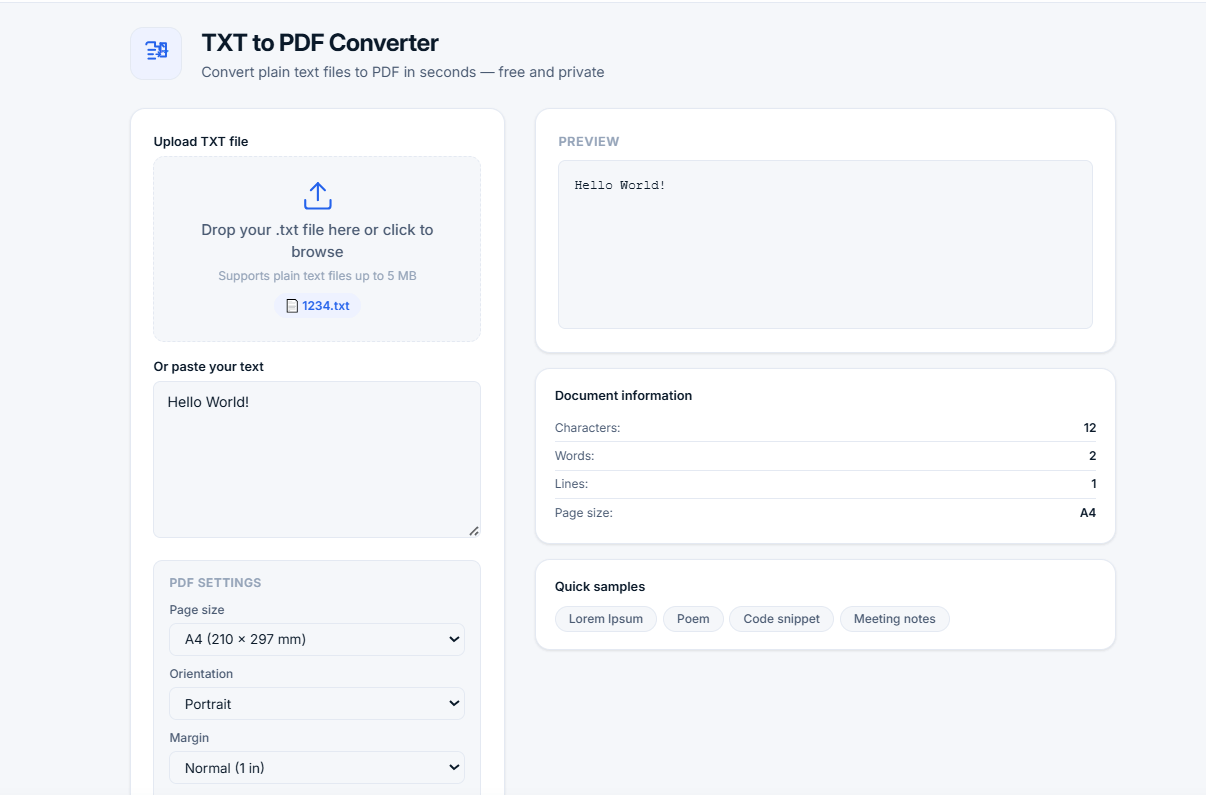
A TXT to PDF converter is a tool that transforms plain text files into PDF documents. This is useful for sharing, printing, or archiving text content in a universally compatible format. PDF preserves formatting and looks the same on any device.
Our free online TXT to PDF converter lets you upload a text file or paste text directly, customize page settings, and download your PDF instantly. All processing happens locally in your browser — your text is never sent to any server, ensuring complete privacy.
📄 Why convert TXT to PDF? PDF is the most universal document format — it preserves formatting, works on all devices, and is ideal for sharing, printing, and archiving. Converting text to PDF makes your content look professional and consistent.
How to Use the TXT to PDF Converter
- Upload or paste — Upload your .txt file or paste text directly
- Customize — Choose page size, orientation, margins, and font size
- Preview — See exactly how your text will look in the PDF
- Convert — Click "Convert to PDF" (or Ctrl+Enter)
- Download — Save your PDF document instantly
Available Page Sizes
Common Use Cases
Who Uses a TXT to PDF Converter?
- Students — Convert essays and research papers
- Professionals — Create reports and business documents
- Writers — Format manuscripts and articles
- Developers — Share code snippets and documentation
- Administrators — Prepare meeting notes and minutes
- Anyone — Who needs to share text in a professional format
Why Use Our TXT to PDF Converter?
- 100% free and unlimited — No sign-up, no hidden fees, no limits
- Privacy-first — All processing in your browser, no uploads
- Unicode support — Works with Cyrillic, Chinese, Arabic, and more
- Customizable — Page size, orientation, margins, font size
- Live preview — See your document before downloading
- Keyboard shortcut — Ctrl+Enter to convert
- No installation — Works in any modern browser
- No ads — Clean, distraction-free experience
Understanding PDF Settings
- Page size — A4 is standard for most documents, Letter is common in the US, Legal is used for legal documents
- Orientation — Portrait (vertical) is standard, Landscape (horizontal) is good for wide content
- Margin — Small margins fit more text, Large margins look more professional
- Font size — 12pt is standard, 14pt is better for readability, 10pt for more content
Frequently Asked Questions
What is the difference between TXT and PDF?
TXT is a plain text format with no formatting. PDF (Portable Document Format) preserves formatting, layout, and fonts, making it ideal for sharing, printing, and archiving. Converting TXT to PDF makes your text more professional and portable.
Can I convert a text file to PDF without losing formatting?
Yes. Our converter preserves your text's structure, including line breaks and paragraphs. You can also customize font size and margins to achieve the perfect layout.
Does this tool support non-Latin characters?
Yes. Our TXT to PDF converter fully supports Unicode text, including Cyrillic (Russian, Ukrainian, etc.), Chinese, Japanese, Korean, Arabic, and other non-Latin scripts.
Is there a file size limit?
Uploaded files must be under 5 MB. For larger texts, you can paste the content directly into the text area, which supports large amounts of text.
Can I convert TXT to PDF on mobile?
Yes. Our tool is fully responsive and works on smartphones, tablets, and desktops. Upload files or paste text from any device.
Why does my text appear different in the PDF preview?
The preview shows how your text will look in the PDF based on your selected settings. The font size, margins, and page size affect how the text is displayed.
What is the best font size for PDF documents?
For most documents, 12pt is standard and widely readable. For presentations or documents for older readers, use 14pt. For documents with more content, use 10pt.
Tips for Creating Better PDFs
- Use proper formatting — Use line breaks and paragraphs to structure your text
- Choose the right page size — A4 is standard for most documents
- Use consistent font size — 12pt is a good balance between readability and content density
- Check your margins — Normal margins (1 inch) are standard for professional documents
- Preview before downloading — Always check the preview to ensure your document looks right
Related Tools
- Images to PDF — Convert images to PDF documents
- Word Counter — Count words, characters, and sentences
- Compound Interest Calculator — Calculate investment growth
- Percentage Calculator — Calculate percentages quickly