QR Code Scanner
Scan QR codes using your camera or upload an image — free and private
Scan result
Preview
Scan information
Quick tips
What is a QR Code Scanner?
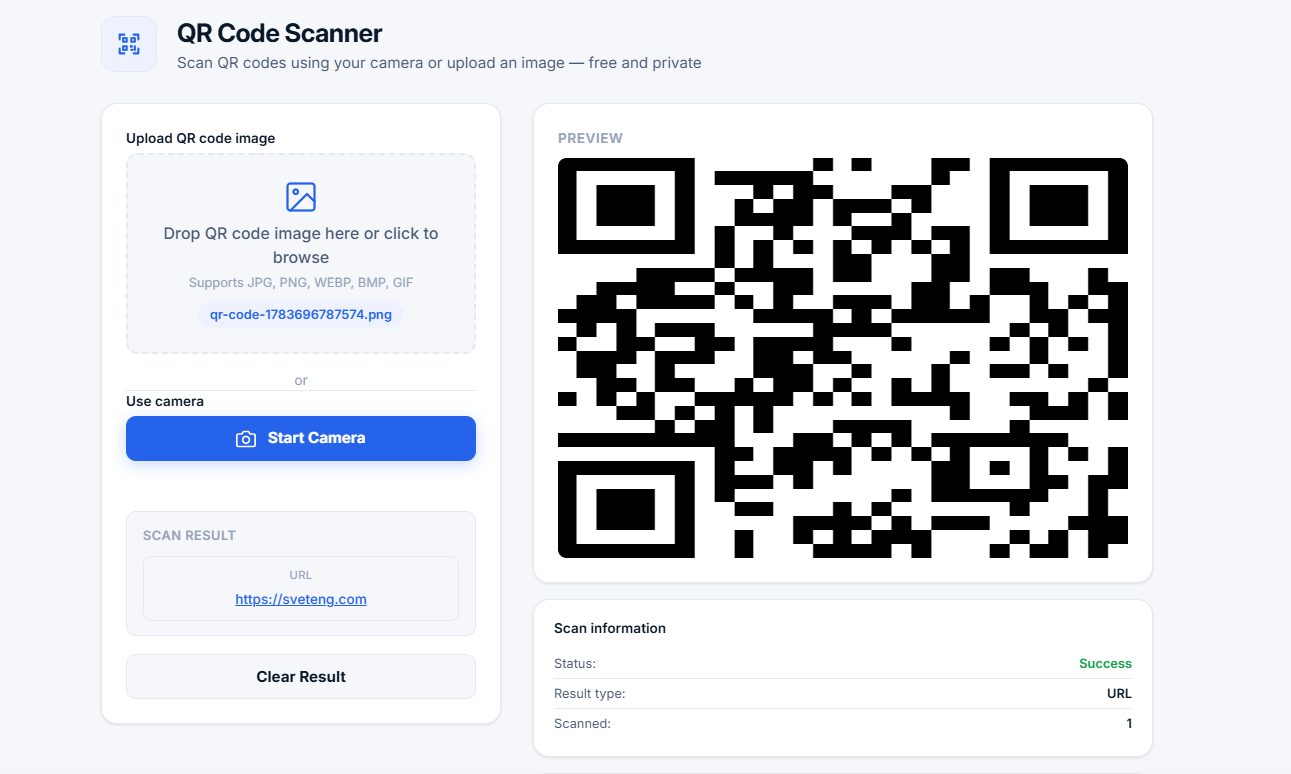
A QR Code Scanner is a tool that reads and decodes QR (Quick Response) codes. You can use your device camera for live scanning or upload an image containing a QR code. All processing happens locally in your browser — no images or data are sent to any server, ensuring complete privacy.
📱 Why use a QR code scanner? QR codes are everywhere — on products, business cards, menus, and posters. A QR scanner lets you quickly access the information encoded in these codes without installing any apps. Just point your camera or upload an image and get instant results.
What Types of QR Codes Can This Scanner Read?
| QR Code Type | Format | What You'll See |
|---|---|---|
| Text | Plain text | Displayed as readable text |
| URL | https://example.com | Clickable link (opens in new tab) |
| Contact | vCard format | Contact information (name, phone, email) |
| Wi-Fi | WIFI:S:SSID;T:WPA;P:password | Network name and password |
| mailto:email@example.com | Clickable email address | |
| Phone | tel:+1234567890 | Clickable phone number |
Who Uses a QR Code Scanner?
- Business professionals — Scan business cards and contact info
- Retail customers — Scan product QR codes for information
- Restaurant guests — Scan digital menus and order
- Event attendees — Scan tickets and check-in
- Travelers — Scan Wi-Fi QR codes in hotels and cafes
- Students — Scan QR codes in educational materials
- Everyone — Access information quickly and easily
Common Use Cases
Why Use Our QR Code Scanner?
- 100% free and unlimited — No sign-up, no hidden fees, no limits
- Two ways to scan — Upload image or use camera
- Multiple data types — Text, URLs, vCards, Wi-Fi, email, phone
- Privacy-first — All processing in your browser, no uploads
- Real-time scanning — Live camera detection
- Clickable results — URLs, emails, and phone numbers are clickable
- No installation — Works in any modern browser
- No ads — Clean, distraction-free experience
How QR Code Scanning Works
The QR scanner uses advanced image processing to detect and decode QR codes:
- Pattern detection — Finds the three corner markers of a QR code
- Data extraction — Reads the encoded data from the grid pattern
- Error correction — QR codes can be read even if partially damaged
- Data decoding — Converts the raw data into readable information
- Type detection — Automatically identifies the data type (URL, contact, etc.)
Frequently Asked Questions
Can I scan QR codes from my phone?
Yes. Our QR scanner is fully responsive and works on smartphones, tablets, and desktops. Use your phone's camera for live scanning or upload images from your gallery.
What should I do if the QR code isn't scanning?
Make sure the QR code is well-lit and in focus. For uploaded images, ensure the QR code is clearly visible and not distorted. Try using a higher quality image or better lighting.
Is it safe to scan QR codes?
QR codes are generally safe to scan. However, exercise caution when scanning codes from unknown sources, as they can lead to malicious websites. Always verify the source of the QR code before scanning.
Can I scan QR codes without internet?
Yes. The QR scanner works entirely offline once the page is loaded. All processing happens locally in your browser, so no internet connection is needed for scanning.
What is the difference between a QR code and a barcode?
A QR code is a two-dimensional barcode that can store much more data than traditional barcodes. QR codes can store up to 4,296 characters, while traditional barcodes store only about 20 characters. QR codes are also more versatile and can be scanned from any angle.
Can I scan QR codes from screenshots?
Yes. You can upload any image containing a QR code, including screenshots. The scanner will detect and decode the QR code from the image.
Tips for Better QR Code Scanning
- Good lighting — Ensure the QR code is well-lit and not in shadow
- Hold steady — Keep your camera steady for clear image capture
- Clear image — Avoid blurry or low-resolution images
- Proper size — QR codes should be large enough to scan
- Clean code — Ensure the QR code is not damaged or distorted
- Good contrast — Dark QR codes on light backgrounds scan best
Related Tools
- QR Code Generator — Create QR codes for any data
- Image Compressor — Reduce QR code image file sizes
- Compound Interest Calculator — Calculate investment growth
- Percentage Calculator — Calculate percentages quickly