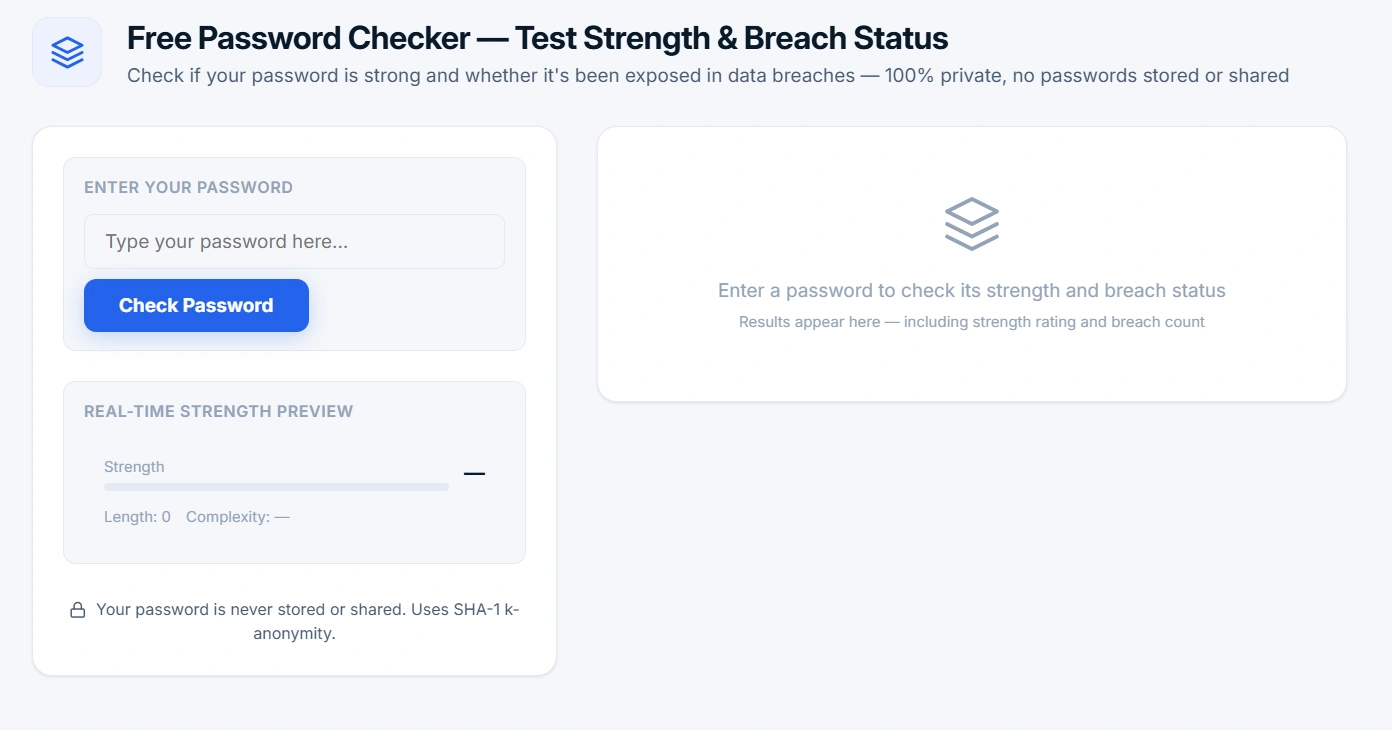
Free Password Checker — Test Strength & Breach Status
Check if your password is strong and whether it's been exposed in data breaches — 100% private, no passwords stored or shared
Enter your password
Real-time strength preview
Enter a password to check its strength and breach status
Results appear here — including strength rating and breach countPassword Checker: Is Your Password Already Hacked? Test Strength & Breach Status Now
Your password might already be for sale on the dark web. This free password checker does two critical things in under 2 seconds:
- It tells you exactly how strong your password is (Weak / Moderate / Good / Strong) based on length, character variety, and common patterns.
- It scans 15+ billion leaked passwords from real data breaches using the Have I Been Pwned (HIBP) API — and it does this without ever seeing your actual password.
The entire process uses SHA-1 k-anonymity, meaning your password never leaves your browser. If it's compromised, you'll know instantly. If it's safe, you'll sleep better. 100% private, 100% free.
Think it can't happen to you? Over 80% of data breaches start with weak or stolen passwords. Hackers don't break in — they log in using passwords you've already used elsewhere. One leaked password can cost you your email, bank account, and social media. Don't wait until it's too late. Check your password now.
How Password Strength Works — And Why Length Matters More Than You Think
Our password strength tester evaluates your password using a real-world algorithm that mimics how hackers actually attack. Here's what it checks:
- Length — The single most important factor. A 8-character password can be cracked in minutes. A 16-character password? Centuries. We recommend at least 12 characters — but 16+ is the gold standard.
- Character Variety — Mix uppercase, lowercase, numbers, and symbols like
!@#$%^&*(). Each extra character type multiplies the combinations hackers have to try. - Common Patterns & Dictionary Words — "Password123", "qwerty", "letmein" — hackers try these first. Our tool flags them immediately.
- Repeated Characters — "aaaa" or "1111" are weak. Our algorithm detects and penalizes these lazy patterns.
- Keyboard Patterns — "1q2w3e" and "asdfgh" are easy to type, but also easy to guess. We catch those too.
How the Breach Check Works — And Why Your Password Stays Private
This is the part that scares most people: "Do I really want to paste my password into a website?" Here's the truth: we never see your password. Ever. Here's how it works, step by step:
- Your password is hashed — The tool converts your password into a unique SHA-1 hash. It's like a fingerprint: one-way and impossible to reverse.
- K-Anonymity kicks in — Instead of sending your full hash, we send only the first 5 characters. This is a privacy technique called "k-anonymity".
- HIBP responds with a list — The Have I Been Pwned API sends back every hash that starts with those 5 characters — could be hundreds or thousands.
- Your browser does the comparison — The tool checks if your full hash is in that list. This happens locally, on your device. Nobody else sees it.
- You get the result — You see exactly how many times your password hash has appeared in known breaches. Zero means you're safe. Anything above zero means change it now.
This k-anonymity approach is the gold standard for privacy. The HIBP API never learns your password, your full hash, or even what you're checking. Your secret stays yours.
Password Security Best Practices for 2026 — What Actually Works
Running a password check is a great start. But real security requires habits. Here's what actually works in 2026:
- Never reuse passwords. If you use the same password on 10 sites and one gets hacked, all 10 are compromised. Attackers automate this — it's called "credential stuffing".
- Enable Two-Factor Authentication (2FA) — but skip SMS. Use an authenticator app like Google Authenticator, Authy, or Microsoft Authenticator. SMS-based 2FA can be intercepted. App-based 2FA cannot.
- Use a password manager. Tools like Bitwarden, 1Password, or Dashlane generate and store 20-character random passwords for every site. You only need to remember one master password. This is the single best thing you can do.
- If you've been breached, change it immediately. Not tomorrow. Not "when you have time". Right now. Hackers move fast — so should you.
- Aim for 16+ characters for critical accounts. Email, banking, social media — use 16 characters or more. Each extra character makes brute-force attacks exponentially harder.
Ready to take control of your security? Paste your password in the tool above right now. It takes 5 seconds and could save your digital life. If it's weak or breached — change it before hackers find it. If it's strong and clean — congratulations, you're ahead of 95% of internet users.
Related Tools for Digital Privacy
- Image Compressor — Reduce image file size without losing quality
- Image cropping — cropping images to the perfect size
- QR Code Generator — Create secure QR codes for private data sharing
- Password Generator — Create strong, unique passwords for all your accounts
- Compound interest calculator — Find out your investment growth calculation.