Meme Generator
Add text to photos with popular meme fonts — free and private
Text settings
Meme Preview
Meme information
Quick tips
What is a Meme Generator?
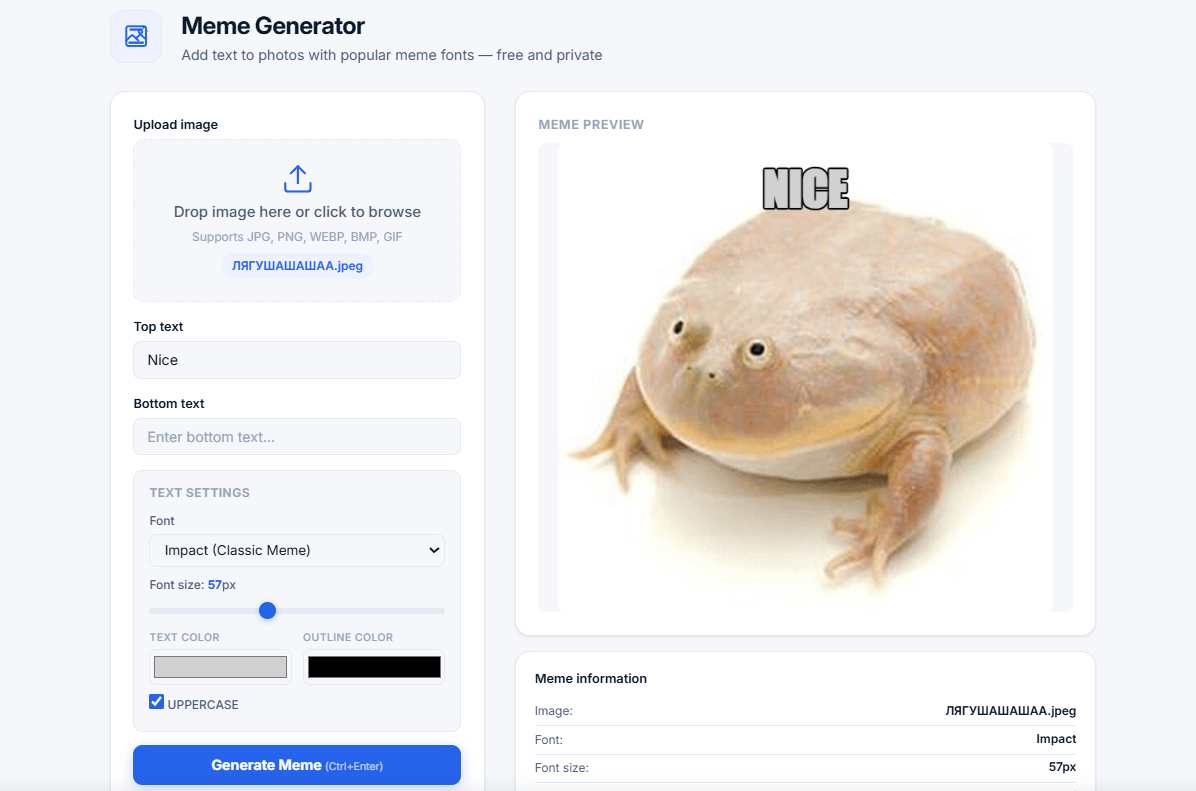
A meme generator is a tool that lets you add text to images to create custom memes. Upload your own image, add top and bottom text, choose from popular fonts like Impact (the classic meme font), Arial Black, or Comic Sans, customize colors and size, and download your creation as a PNG image.
Our free online meme generator uses HTML5 Canvas to process everything locally in your browser — your images are never uploaded to any server, ensuring complete privacy. Whether you're creating funny memes for social media, marketing content, or just for fun, our tool makes it easy and fast.
💡 Why make memes? Memes are one of the most popular forms of online communication. They're shareable, relatable, and can convey complex ideas with humor. Creating custom memes helps you express yourself, promote your brand, or just make your friends laugh.
How to Use the Meme Generator
- Upload — Click the upload area or drag and drop your image
- Add Text — Enter top and bottom text (classic meme style)
- Customize — Choose font, size, colors, and toggle uppercase
- Reposition — Drag text to the perfect position on your image
- Download — Save your meme as a PNG file
Available Fonts
Why Use Our Meme Generator?
- 100% free and unlimited — No sign-up, no hidden fees, no limits
- Privacy-first — All processing in your browser, no uploads
- Popular fonts — Impact, Arial Black, Comic Sans, Oswald, Anton, Montserrat, Roboto Slab
- Customizable — Text color, outline color, font size, uppercase toggle
- Drag to reposition — Move text anywhere on the image
- Download as PNG — High-quality meme export
- Keyboard shortcuts — Ctrl+Enter to generate
- No installation — Works in any modern browser
- No ads — Clean, distraction-free experience
Popular Meme Formats and Styles
- Classic Meme — Impact font, white text with black outline, top and bottom text, UPPERCASE
- Modern Meme — Clean fonts like Oswald or Montserrat, colored text, no outline
- Comic Style — Comic Sans font, colorful text, fun and casual
- Minimalist — Simple text, elegant fonts, subtle colors
- Brand Meme — Brand colors, custom fonts, professional look
Who Uses a Meme Generator?
- Social media managers — Create engaging content for Instagram, Twitter, Facebook
- Content creators — Make memes for YouTube, TikTok, and blogs
- Marketers — Add humor to brand messaging and promotions
- Students — Create visual content for projects and presentations
- Friends and family — Make funny personalized memes
- Anyone — Express creativity through memes
Tips for Creating Great Memes
- Keep it simple — Short, punchy text works best
- Use contrast — White text with black outline is most readable on any image
- Choose the right font — Impact is the classic meme font for a reason
- Use UPPERCASE — Classic memes use all caps for impact
- Position text carefully — Top text goes at the top, bottom text at the bottom
- Use relatable content — The best memes are relatable and timely
- Keep it readable — Make sure text is large enough to read
Frequently Asked Questions
What is the best font for memes?
Impact is the classic meme font used in most viral memes. It's bold, easy to read, and has a distinctive look that's instantly recognizable. Arial Black is another popular choice for a cleaner bold look.
Can I use my own images?
Yes. You can upload any JPG, PNG, WEBP, BMP, or GIF image from your device. Use photos you've taken, screenshots, or any image you have the rights to use.
Why is my text not showing up?
Make sure you've entered text in the top and/or bottom text fields. Also check that you've uploaded an image first — the meme generator needs an image to overlay text on.
Can I create memes without uploading an image?
No, you need to upload an image to create a meme. You can use any image you have on your device. We don't provide pre-made templates.
What is the difference between PNG and JPG for memes?
PNG offers better quality and supports transparency, making it ideal for memes. Our tool exports in PNG format by default for the best quality. JPG is smaller but may have compression artifacts.
Can I make memes with my friends?
Yes! Create a meme, download it, and share it with friends on social media, messaging apps, or email. Memes are meant to be shared!
Related Tools
- Image Compressor — Reduce image file sizes before making memes
- Image Crop Tool — Crop images to the perfect size for memes
- Compound Interest Calculator — Calculate investment growth
- Password Generator — Create strong, secure passwords