Free OGG to MP3 Converter
Convert OGG audio files to MP3 format instantly — 100% private, no uploads
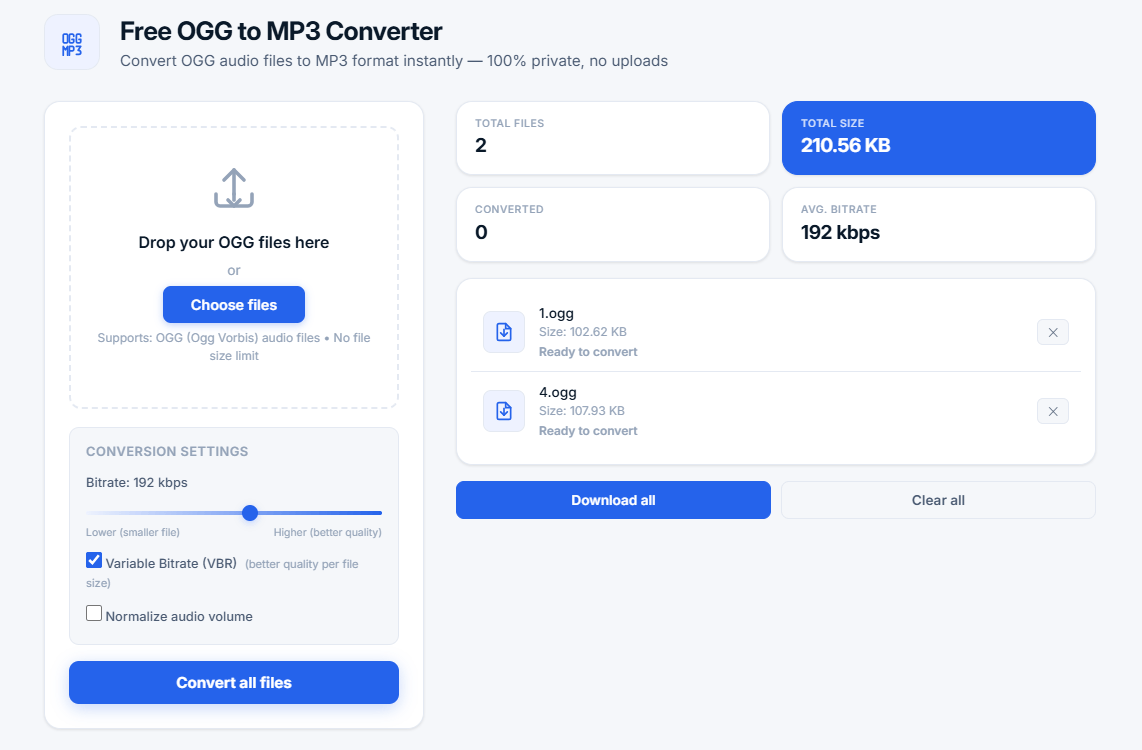
Drop your OGG files here
or
Supports: OGG (Ogg Vorbis) audio files • No file size limit
Conversion settings
Upload OGG files to start conversion
Drag & drop or click to browseWhat is an OGG to MP3 Converter?
An OGG to MP3 converter is a powerful tool that transforms OGG (Ogg Vorbis) audio files into the more universally compatible MP3 format. OGG is an open-source, patent-free audio format that offers excellent compression, but MP3 remains the most widely supported format across all devices, players, and software.
Our free online OGG to MP3 converter uses the Web Audio API and lamejs encoder to perform conversion entirely in your browser. Your files are never uploaded to any server, ensuring complete privacy and security. This makes it the perfect tool for converting sensitive audio content like podcasts, voice recordings, or personal music collections.
💡 Why convert OGG to MP3? MP3 is universally compatible with all devices — from smartphones and tablets to car stereos, DJ equipment, and video editors. Converting OGG to MP3 ensures your audio files can be played anywhere without compatibility issues. MP3 is also the standard format for podcast distribution, social media, and email attachments.
How Our OGG to MP3 Converter Works
This tool uses modern Web Audio API technology to convert audio files efficiently. Here's the step-by-step process:
- Web Audio API conversion — Uses the browser's built-in audio processing capabilities for fast, high-quality conversion
- Adjustable bitrate — Choose from 32 to 320 kbps to balance quality and file size for your specific needs
- Variable Bitrate (VBR) — Dynamic bitrate adjustment for optimal quality per file size — better than constant bitrate
- Volume normalization — Optional audio normalization ensures consistent volume levels across all your converted files
- Batch processing — Convert multiple OGG files at once to save time when working with albums or collections
- Privacy-first — All processing happens locally in your browser — zero uploads, zero storage
OGG vs MP3: Technical Comparison
Who Benefits from an OGG to MP3 Converter?
This tool is perfect for a wide range of users across different industries:
- Podcasters — Converting OGG recordings to MP3 for maximum listener compatibility across all podcast platforms including Apple Podcasts, Spotify, and Google Podcasts
- Musicians and Producers — Converting OGG demos to MP3 for sharing with collaborators, labels, and fans
- Content Creators — Preparing audio for videos, social media (Instagram, TikTok, YouTube), and websites
- Game Developers — Converting OGG game audio assets to MP3 for previews, trailers, and compatibility testing
- Students and Educators — Converting lecture recordings from OGG to MP3 for easier playback on any device
- Teachers — Preparing educational audio materials in compatible formats for students
- Audio Engineers — Converting OGG reference tracks to MP3 for client previews
- Video Editors — Converting OGG audio to MP3 for use in video editing software
Understanding MP3 Bitrate: Complete Guide
The bitrate determines the audio quality and file size of your MP3 files. Here's a comprehensive breakdown:
- 32-64 kbps — Low quality, suitable for speech, podcasts, and audiobooks (smallest files, ~1-2 MB per minute)
- 96-128 kbps — Good quality for speech, acceptable for background music (moderate file size, ~3-4 MB per minute)
- 160-192 kbps — Excellent quality for most music (recommended for general use, ~5-6 MB per minute)
- 224-256 kbps — High quality for audiophiles, near-lossless quality (larger files, ~7-8 MB per minute)
- 320 kbps — Maximum quality, virtually indistinguishable from original (largest files, ~10 MB per minute)
Variable Bitrate (VBR) vs Constant Bitrate (CBR): Detailed Comparison
- Variable Bitrate (VBR) — Adjusts bitrate dynamically based on audio complexity. Simple sections (silence, speech) use lower bitrates, complex sections (music, vocals) use higher bitrates. VBR generally offers better quality per file size and is recommended for most use cases. Our tool enables VBR by default for optimal results.
- Constant Bitrate (CBR) — Uses the same bitrate throughout the entire file. Predictable file size but less efficient for variable audio content. Better for streaming where consistent bitrate is required. CBR is best for live streaming and broadcasting.
Why Choose Our OGG to MP3 Converter?
- 100% free and unlimited — No sign-up, no hidden fees, no limits on file size or number of files
- Privacy-first design — All processing happens in your browser, no uploads to servers — your files never leave your device
- High-quality conversion — Uses Web Audio API and lamejs for professional-grade audio processing
- Batch processing — Convert multiple files at once efficiently — saves time and effort
- Adjustable bitrate — Control quality vs file size with a simple slider from 32 to 320 kbps
- VBR support — Variable Bitrate for optimal quality per file size — better than CBR
- Volume normalization — Optional audio normalization for consistent volume across all files
- No installation — Works entirely in your web browser — no software to download
- Cross-platform — Works on Windows, Mac, Linux, Chromebook, iOS, and Android devices
- Supports large files — No file size limits — convert any OGG file regardless of size
Tips for Best OGG to MP3 Conversion Results
- Use 192 kbps — Provides the best balance between quality and file size for most music
- Enable VBR — Variable Bitrate usually gives better quality than CBR at the same average bitrate
- Normalize volume — Use volume normalization for consistent playback levels across files
- Batch process — Convert all files at once for maximum efficiency when working with albums
- Keep originals — Always keep your original OGG files as backup for archival purposes
- Test quality — Start with 192 kbps and adjust based on your specific needs
- Use 320 kbps for critical listening — For high-fidelity music where quality is paramount
Common Use Cases for OGG to MP3 Conversion
- Podcast distribution — MP3 is the standard format for podcast RSS feeds and directories like Apple Podcasts, Spotify, and Google Podcasts
- Music playback — MP3 works on all car stereos, portable players (iPod, Walkman), and devices
- Video editing — Most video editing software (Adobe Premiere, Final Cut Pro, DaVinci Resolve) prefers MP3 over OGG
- Email attachments — MP3 files are universally accepted by email clients (Gmail, Outlook, Yahoo)
- Social media — Platforms like Instagram, Facebook, Twitter, and TikTok support MP3 for audio posts
- Audio books — MP3 is the standard format for audiobook distribution (Audible, LibriVox)
- DJ mixing — Most DJ software (Serato, Traktor, Rekordbox) works best with MP3
- Game development — MP3 is widely supported in game engines (Unity, Unreal)
Technical Details: How MP3 Encoding Works
MP3 encoding uses perceptual audio coding to reduce file size while maintaining quality. Here's how it works:
- Psychoacoustic model — Removes sounds that are masked by louder sounds (inaudible to human ears)
- Filter bank — Splits audio into 576 frequency bands for efficient coding and analysis
- Quantization — Reduces the precision of audio samples to save space while preserving perceived quality
- Huffman coding — Compresses the data using efficient variable-length coding for maximum compression
- Bit reservoir — Allows dynamic bitrate allocation for complex audio sections
- Joint stereo — Efficiently encodes stereo audio by sharing information between channels
Advanced Questions About OGG to MP3 Conversion
Will converting OGG to MP3 reduce audio quality?
MP3 is a lossy format, so some quality reduction is inevitable. However, at high bitrates (256-320 kbps), the quality difference is virtually imperceptible to most listeners in blind tests. Our tool uses high-quality encoding with lamejs to maintain the best possible sound quality. For archival purposes, consider keeping your original OGG files.
Can I convert OGG files that I purchased or downloaded?
You should only convert audio files that you own the rights to. Converting for personal use (e.g., to play on a device that doesn't support OGG) is generally acceptable under fair use. For commercial use, ensure you have proper licensing. Always respect copyright laws.
What is the maximum file size I can convert?
There is no fixed maximum file size — our tool uses browser memory. However, larger files may take more time and memory to process. For very large files (>100MB), we recommend converting on a device with sufficient RAM (8GB or more) and processing power. The tool works efficiently for files up to 500MB.
Does this tool work on mobile devices?
Yes! Our OGG to MP3 converter works on all modern browsers, including mobile Safari, Chrome, Firefox, and Edge on iOS and Android devices. The interface is fully responsive and touch-friendly. You can convert OGG files on your smartphone or tablet just like on desktop.
What happens to my files after conversion?
Your files are processed entirely in your browser's memory. We never store, share, or transmit your files. Once you close the page or refresh, all data is permanently deleted from memory. This is our commitment to privacy.
Can I use this tool offline?
This tool requires an internet connection to load the initial scripts and libraries. However, once loaded, the conversion process itself happens offline in your browser. The actual audio processing does not require internet access.
Is there a file limit for batch processing?
There is no strict limit on the number of files you can convert. However, very large batches may consume significant memory. We recommend converting up to 20-30 files at once for optimal performance. For larger collections, process in multiple batches.
Related Tools
- Image Compressor — Compress images without losing quality
- Compound Interest Calculator — Calculate investment growth
- Percentage Calculator — Calculate percentages quickly
- Password Generator — Create strong, secure passwords
- Word Counter — Count words, characters, and sentences